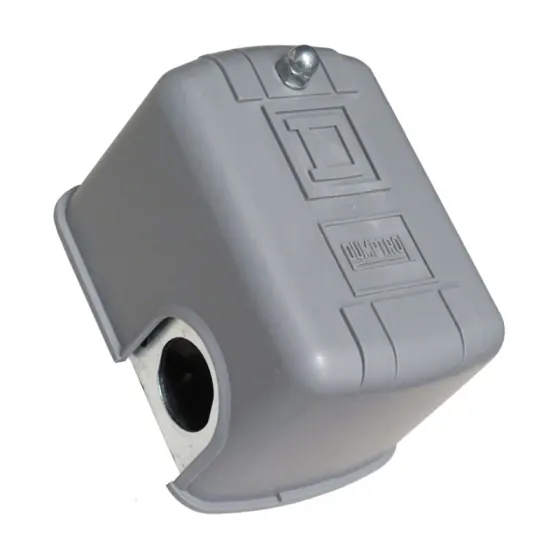
Stage 5 · Pumping & controlService window: 36–60 months
Pressure Switches
Protect the pump from running dry and switch it off when the tank is full.
Two small diaphragm switches guard the pump. The low-pressure switch stops it running dry; the high-pressure switch stops it once the tank is full.
Key Technical Specs
| Low-pressure switch | Closes above about 5 psi |
|---|---|
| High-pressure switch | Opens at 36 – 42 psi, resets near 20 – 25 psi |
| Wiring | In series with the pump supply |
| Sits | LPS ahead of the pump, HPS on the tank line |
Which switch does what
| Switch | Normal state | Trips | Protects |
|---|---|---|---|
| Low-pressure (LPS) | Normally open | Opens below about 3 psi | Pump from dry running |
| High-pressure (HPS) | Normally closed | Opens at 36 – 42 psi | Tank and pump when full |
4-Step Service & Replacement
- 1Disconnect AC power completely before touching spade terminals.
- 2Verify LPS sits on raw feed before pump and HPS sits after the check valve.
- 3Crimp tight 6.3 mm insulated female spades to prevent heat buildup.
- 4Close tank valve momentarily to confirm HPS stops the pump within 5 seconds.
Common Questions
How do I test LPS and HPS with a multimeter at 0 psi?
At atmospheric 0 psi, a healthy LPS reads Open (OL) while an HPS reads Closed (~0 ohms).
What if the HPS is plumbed before the check valve?
Line pressure collapses instantly on cutoff, causing violent rapid on/off pump chatter.